Wipe your keyboard.
Not your work.
Lock every key on your Mac with one click — including volume, brightness, and function keys — then scrub away without accidental keypresses. No shutdown required.
Clean Mode Active
Try it — move your cursor over the keys to wipe them, just like in the app.
Built for one job. Done right.
No bloat, no settings maze. Lock, clean, unlock — with delightful feedback along the way.
Total Input Block
Instantly disable your entire keyboard with one click. The lock intercepts all inputs — including volume, brightness, and function keys — so you can scrub without accidental changes.
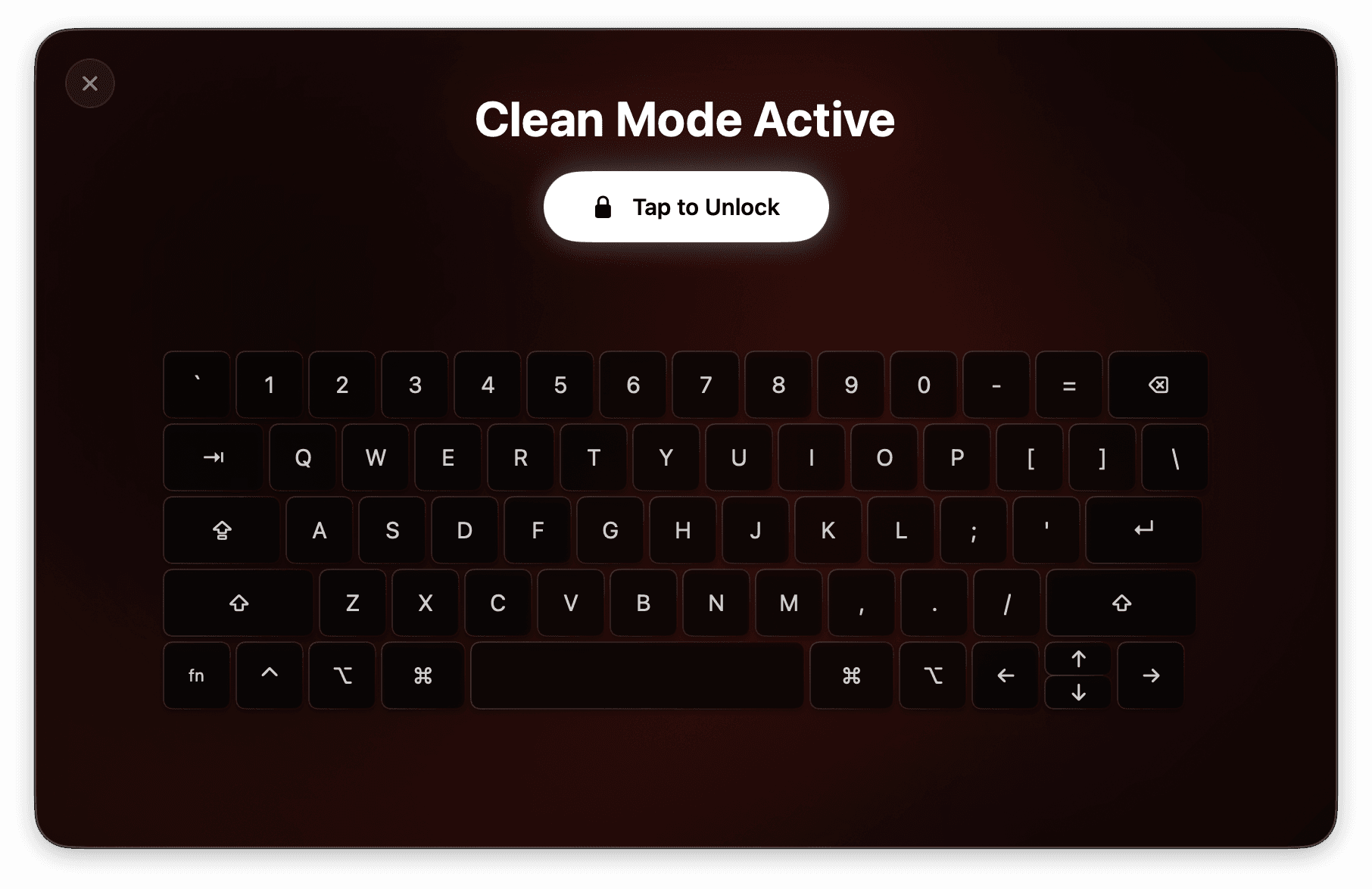
Interactive Cleaning Heatmap
Keys glow brighter as you wipe them, giving immediate visual feedback. The built-in heatmap turns from orange to white as you make sure every key is spotless.
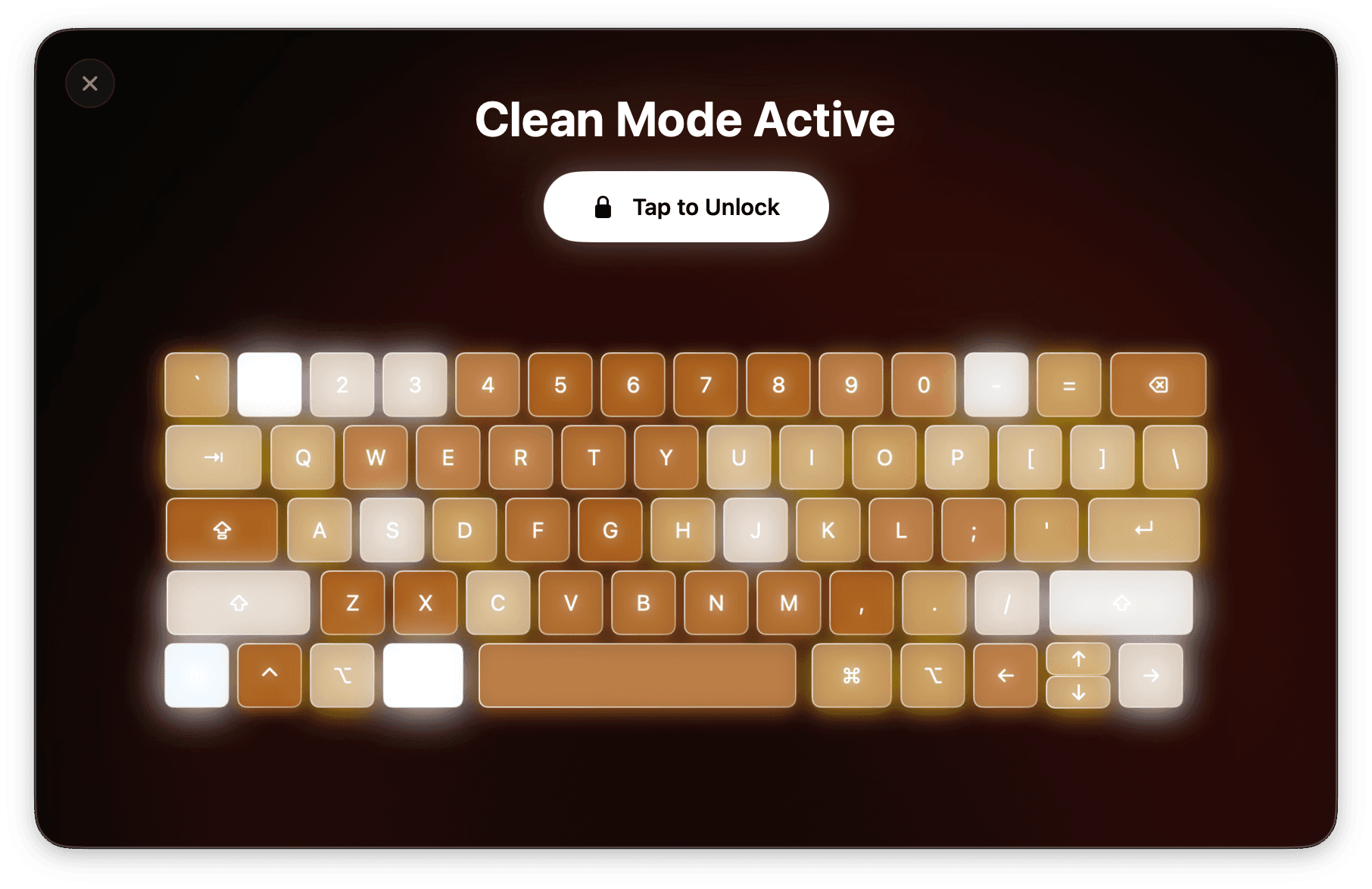
Quick & Easy Unlock
Done cleaning? Click “Tap to Unlock” or simply close the window to restore full keyboard functionality right away. Safe, simple, and intuitive.
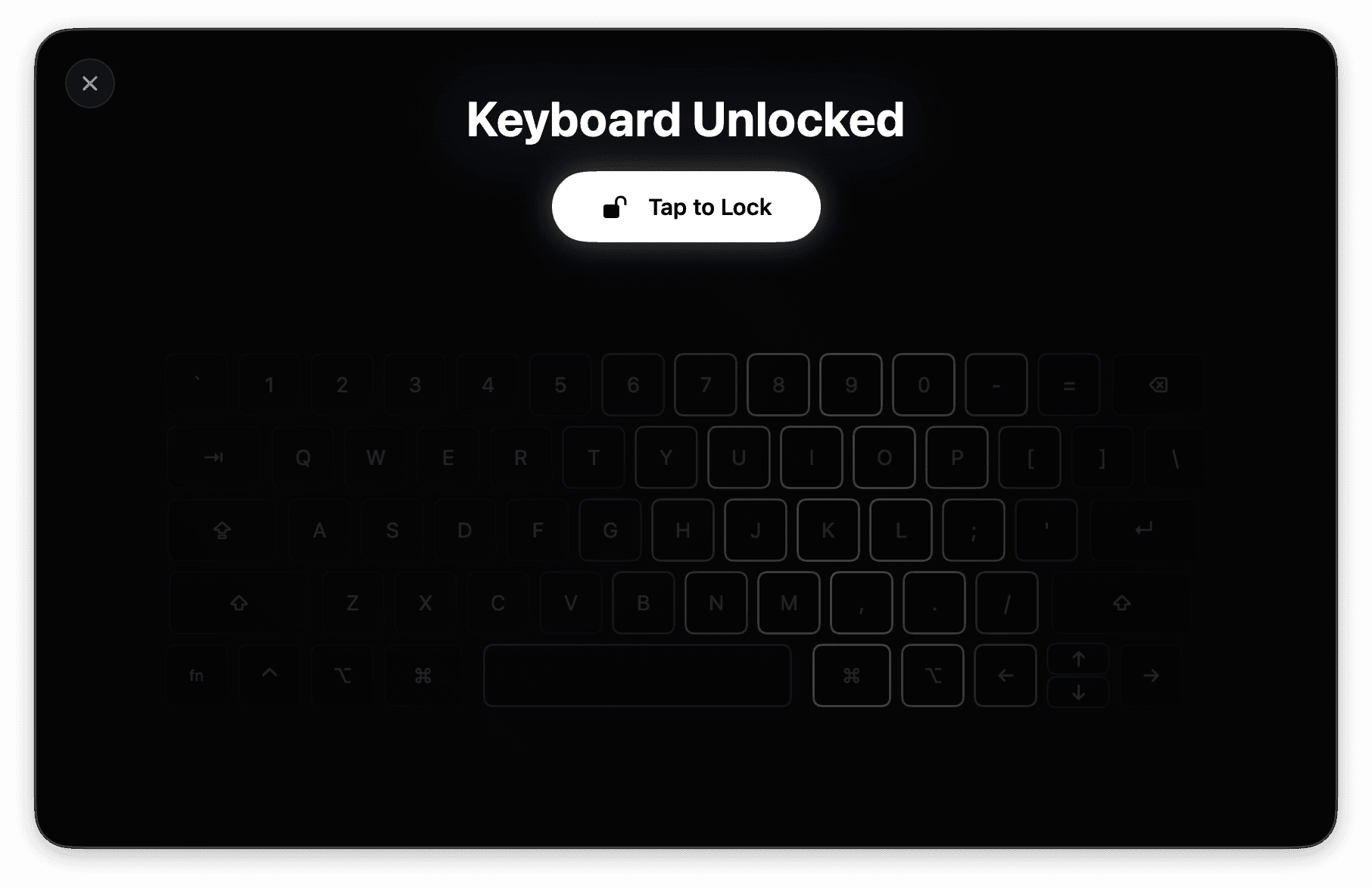
Clean in three steps
Open the app
Launch Lock Keyboard For Cleaning. On first run, grant Accessibility permission so the app can intercept key presses.
Tap to Lock
One click blocks every key on your keyboard — letters, media keys, brightness, function keys, all of it.
Wipe & unlock
Scrub away while keys light up on the heatmap. When you're done, tap to unlock or close the window.
Questions, answered
Your keyboard deserves a
proper clean.
Download now and give your Mac the wipe-down it's been waiting for.
Download for MacRequires macOS 14.0 or later • Version 1.1.1 • Free